1.4 Adding Policies for Onboarding Process
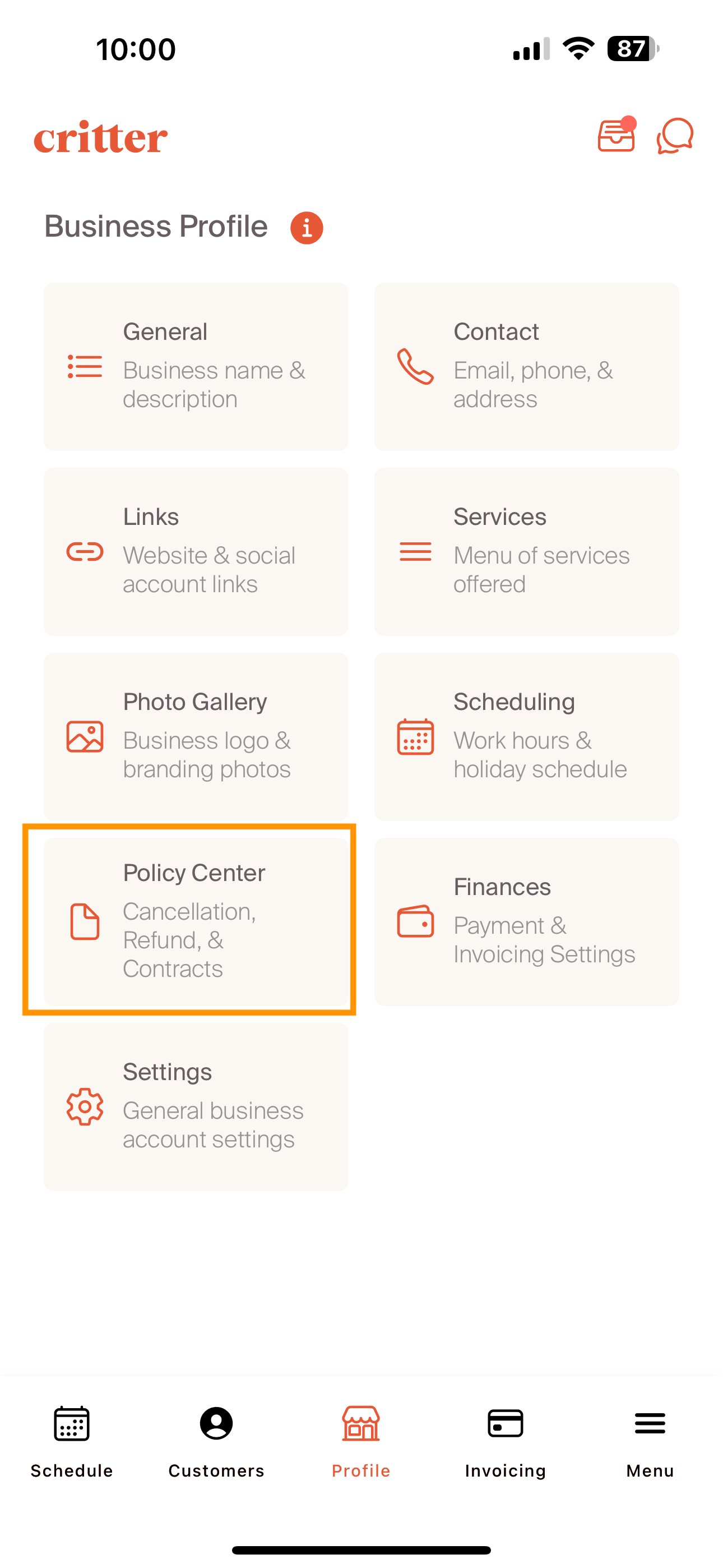
Policy documentation is the source of key documentation for a client's onboarding experience. On the profile page, navigate to the policy center sub-tile.
On the policy center page, a professional will see the documents that have previously been uploaded. These documents can be tailored to a professional's business, and can include as many as required to complete an onboarding flow. We see customers upload cancellation policies, liability waivers, as well as other onboarding inputs. Additional documents are added by selecting the "+" sign in the upper right hand corner.
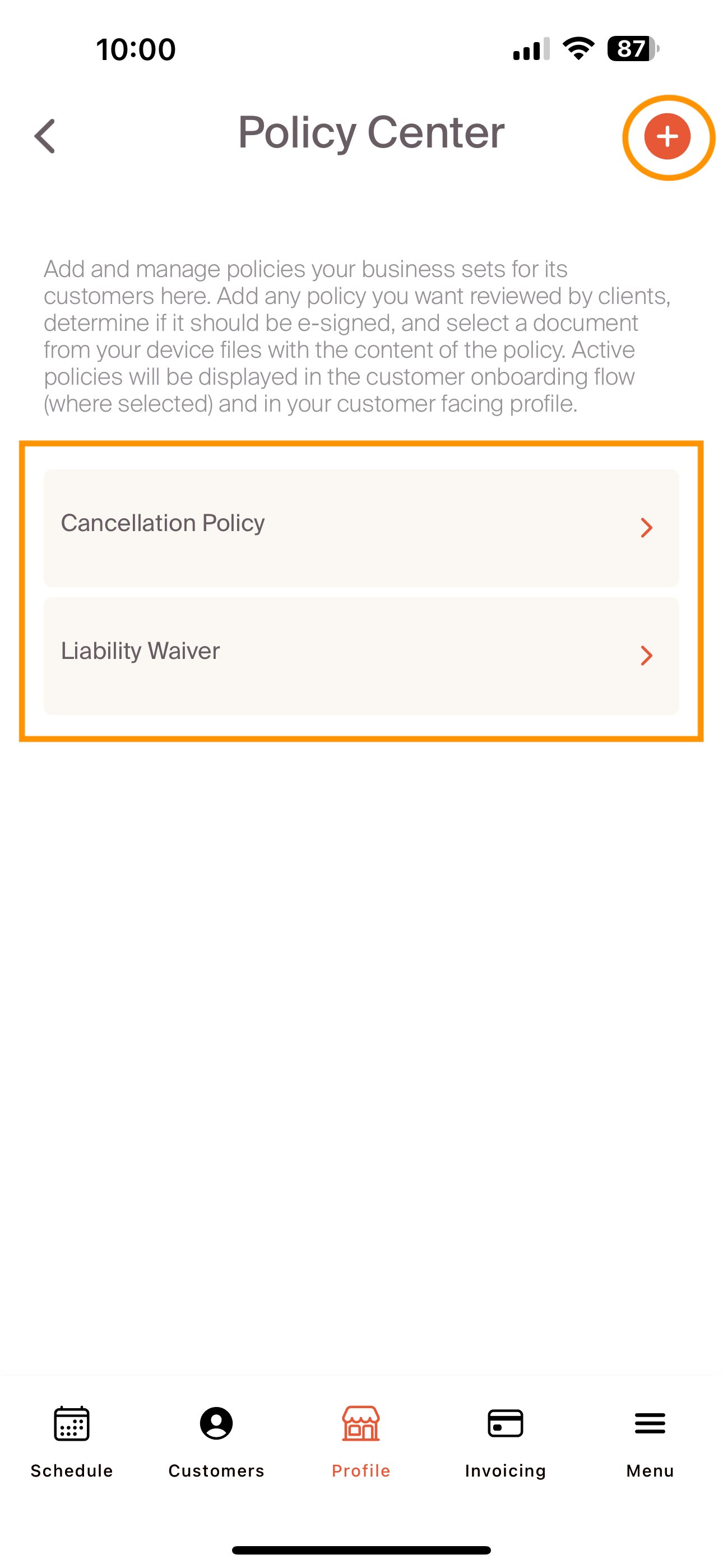
Documents are uploaded from the professional's phone. We suggest loading these as PDFs. For our sample documents, we've included the cancellation policy and liability waiver shown in the screenshot above.

All policy documents will show up in the pet owner's onboarding experience.
Once complete, navigate to the configuring finances process.