2.2 Customer Management
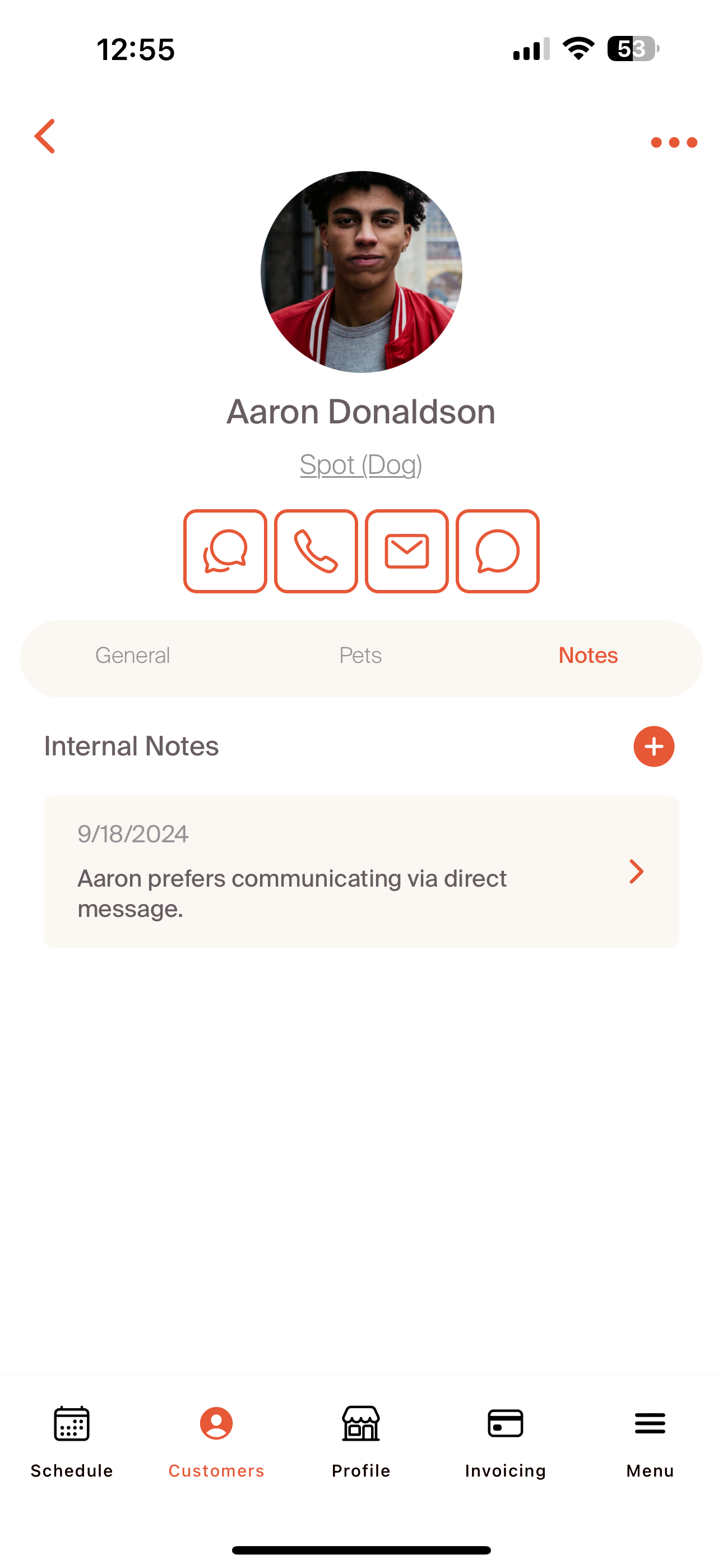
After we create customers, the customer profile becomes the hub for all key information. The profile includes the customer's name, phone, email, address, and onboarding status. If the onboarding is not complete, we can send a reminder to confirm that they complete the onboarding process prior to the first service. As a reminder, the onboarding process is based on the documentation we upload to the Policy Center during the professional account set-up. The four icons below the customer picture indicate the various ways we can communicate with a customer. From right to left: direct message within the Critter App, call, email, and text.
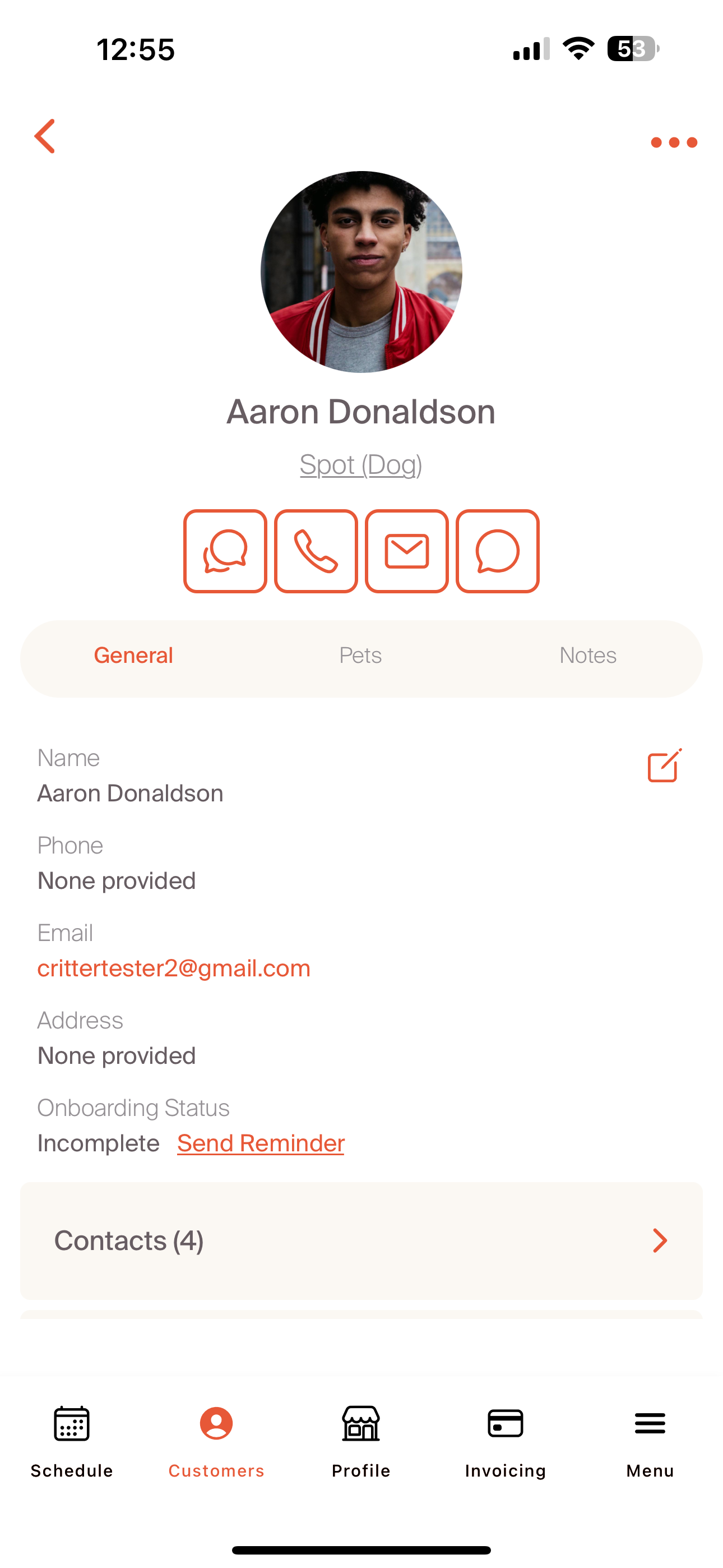
Scrolling further down, we have additional information that the customer may have added to their profile. This includes contacts, documents, supplies, and any home details.
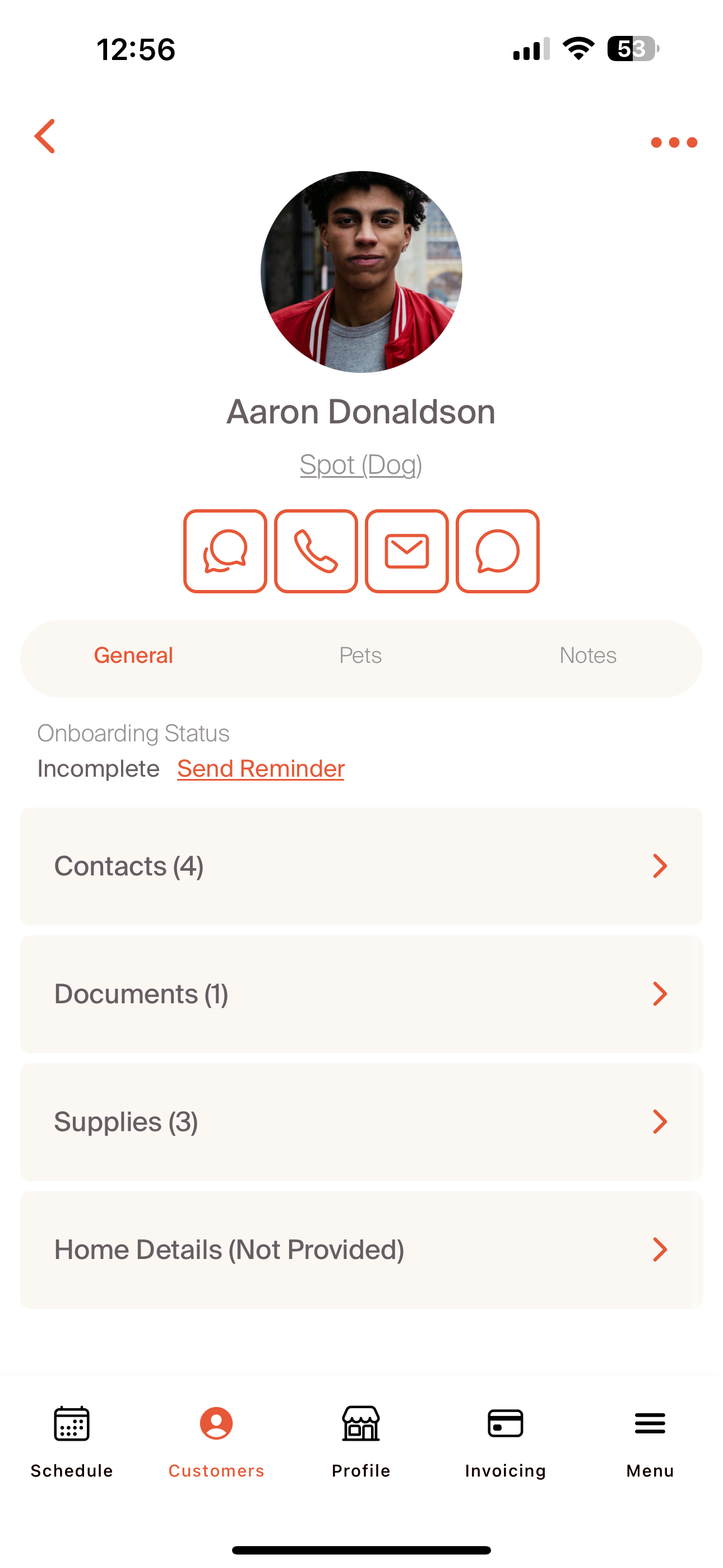
The following four screenshots show an example of the customer profile completed with these details. When we have access to a customer's profile, we have the ability to add notes to these fields based on any changes in the routine. This will allow for new supplies to be added, or any additional home access instructions. This is a good place to capture complete vaccine records or other medical inputs that will be beneficial for a high quality service.
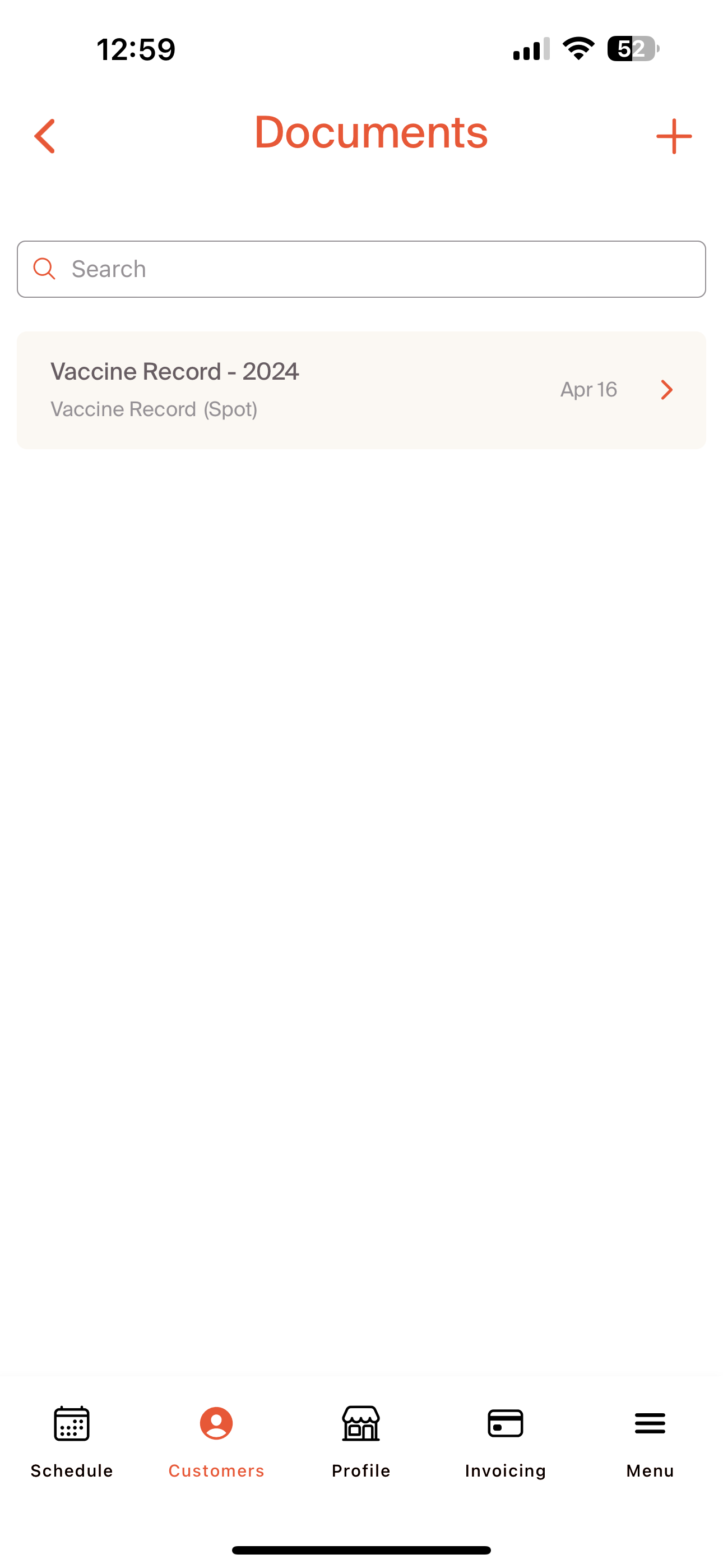
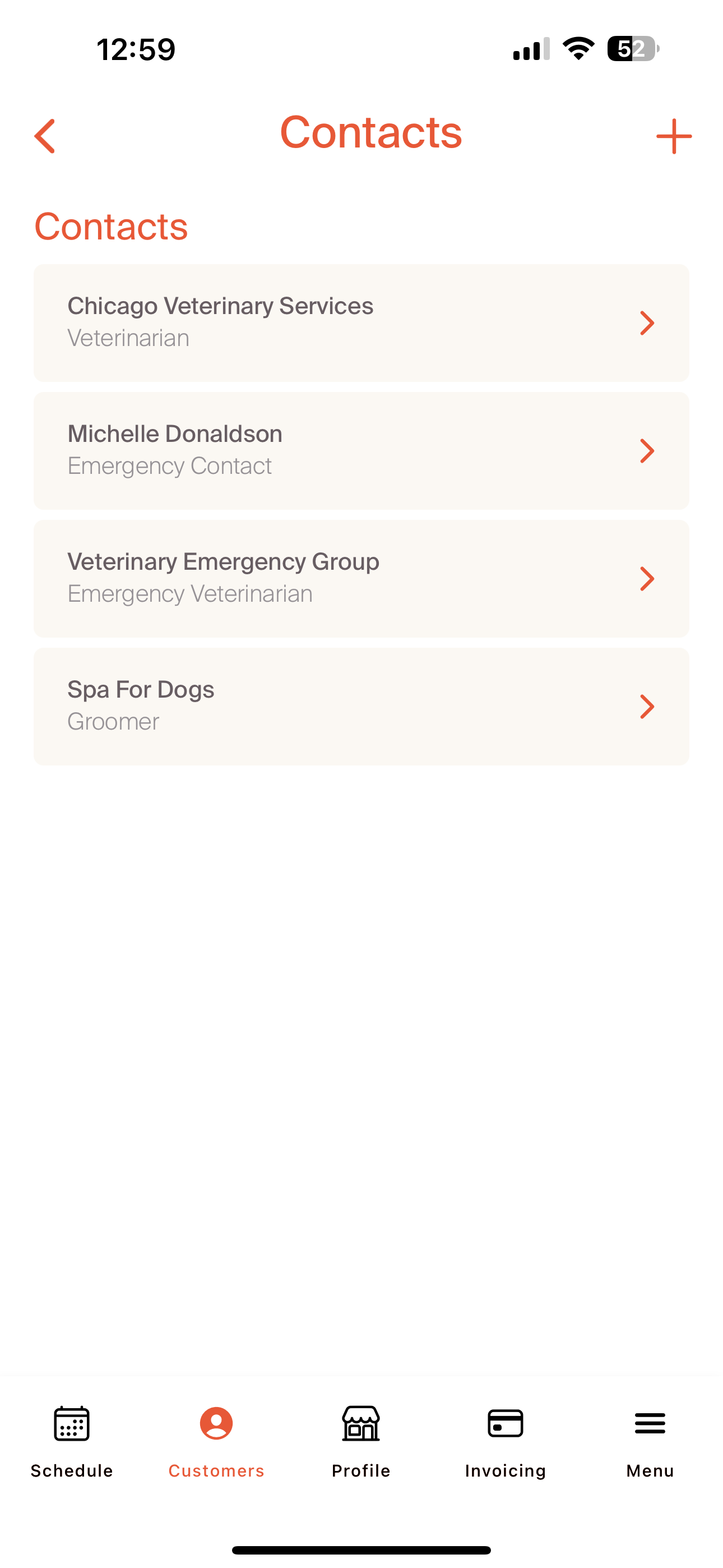
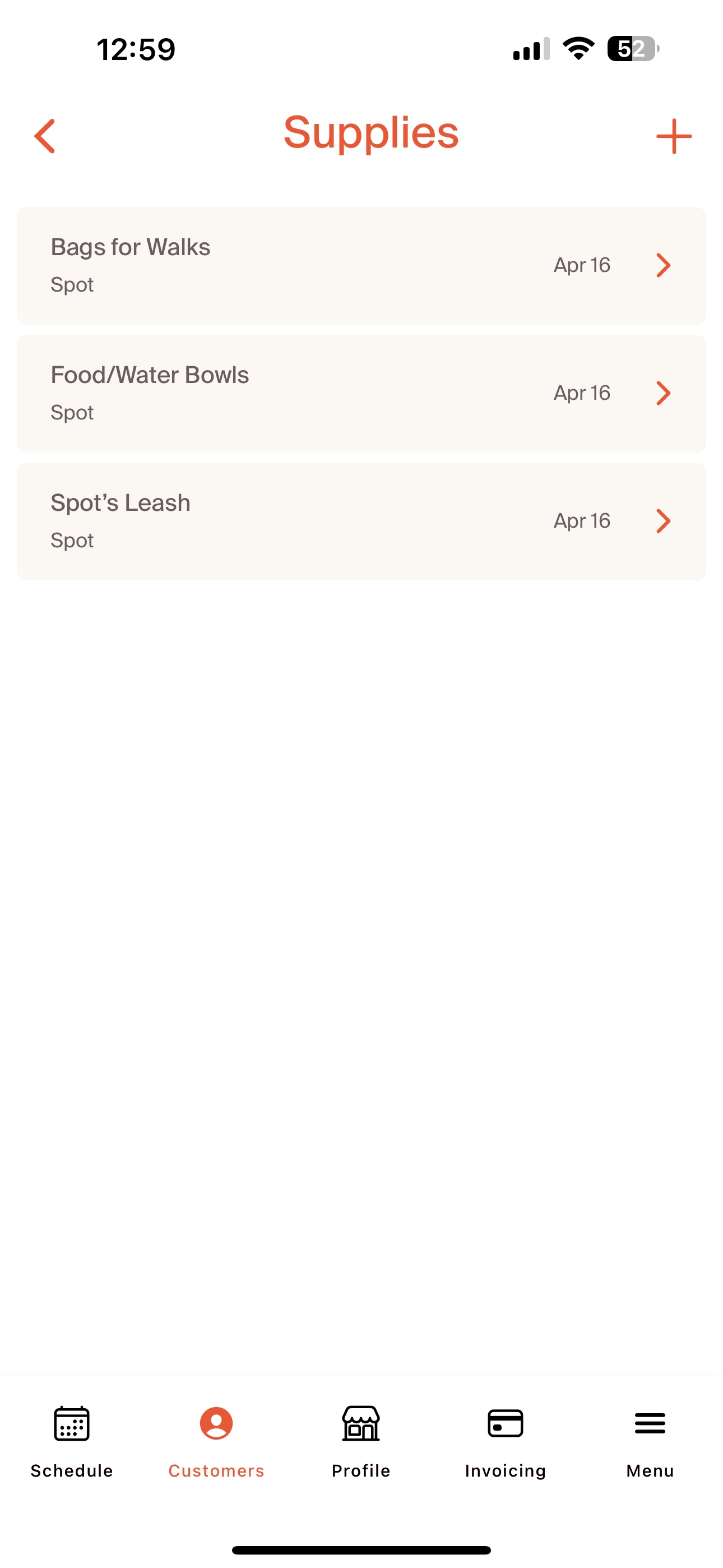
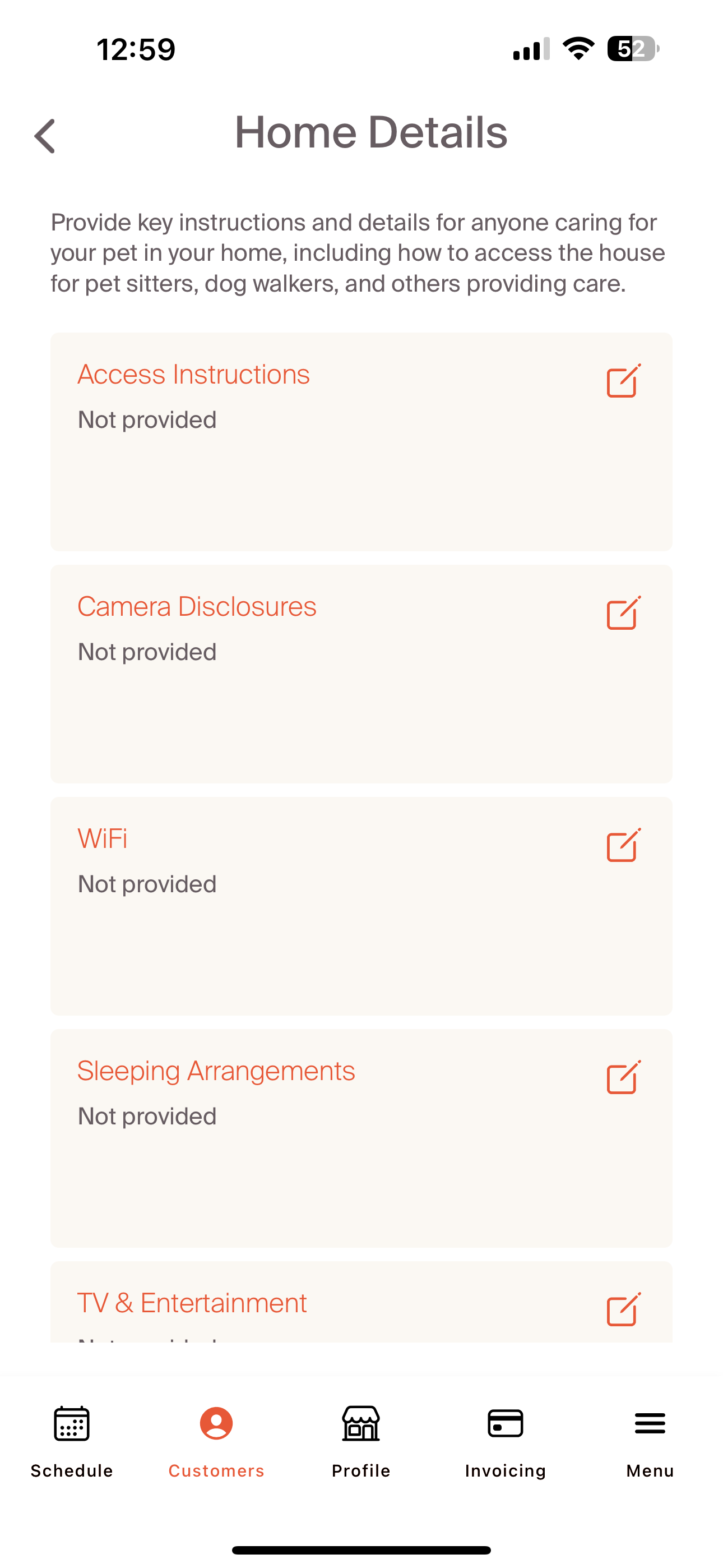
We will cover the "Pets" section of the customer profile in the 'Linked Pets and Pet Profile' section to follow. The 'Notes' tab allows for internal notes to track key elements of the customer relationship. These will all be internal and not shared with the customer.
Now that we've gone over the key ways we can interact and manage customer information, let's go deeper with linked pets and the pet profile.