3.6 Messaging Customer and Navigating to Care Plan from Booking
Similarly to the previous step in which we navigated to the pet's timeline directly from a booking, we have the ability to directly interact with our customers directly from the booking. When we open the booking, we will navigate to the customer and select the customer's profile.
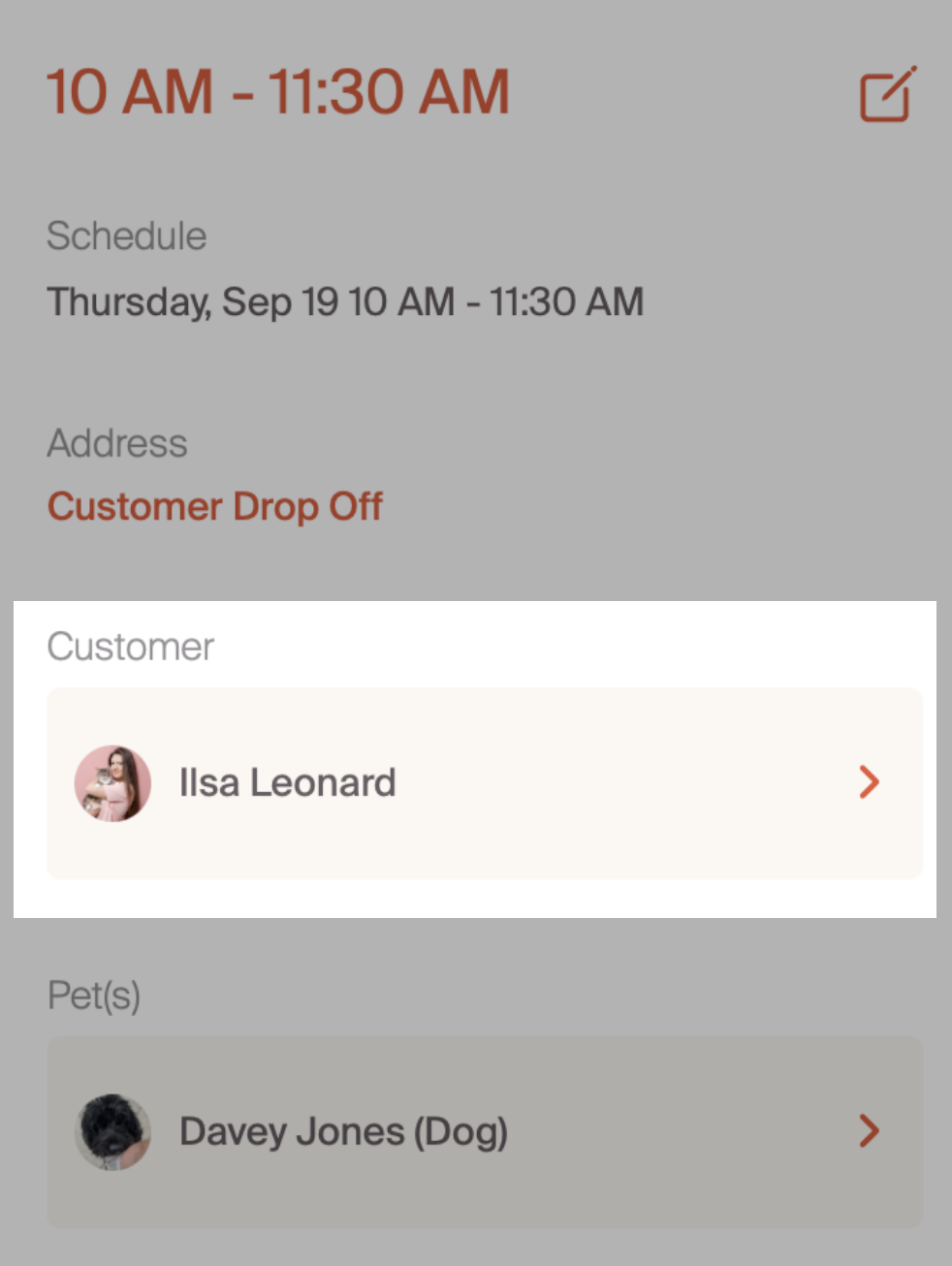
Once we are on the customer's profile, all interactions are available to us. This simplifies the navigation to our customers. We can directly message in Critter, call, text or email. Additionally, we can navigate to the pet's care plan and understand detail care instructions. For full customer interaction options, please review the customer management deep dive.
Now that we have completed the scheduling process, we'll move to a deep dive into invoicing and accepting payments.