3.3 Creating a Recurring Booking
Creating a recurring booking will allow you to create a recurring series that happens weekly. This avoids the need to book a service each type required, and instead allows professionals to book out appointments. When creating a new booking, select check the "repeat service" box.
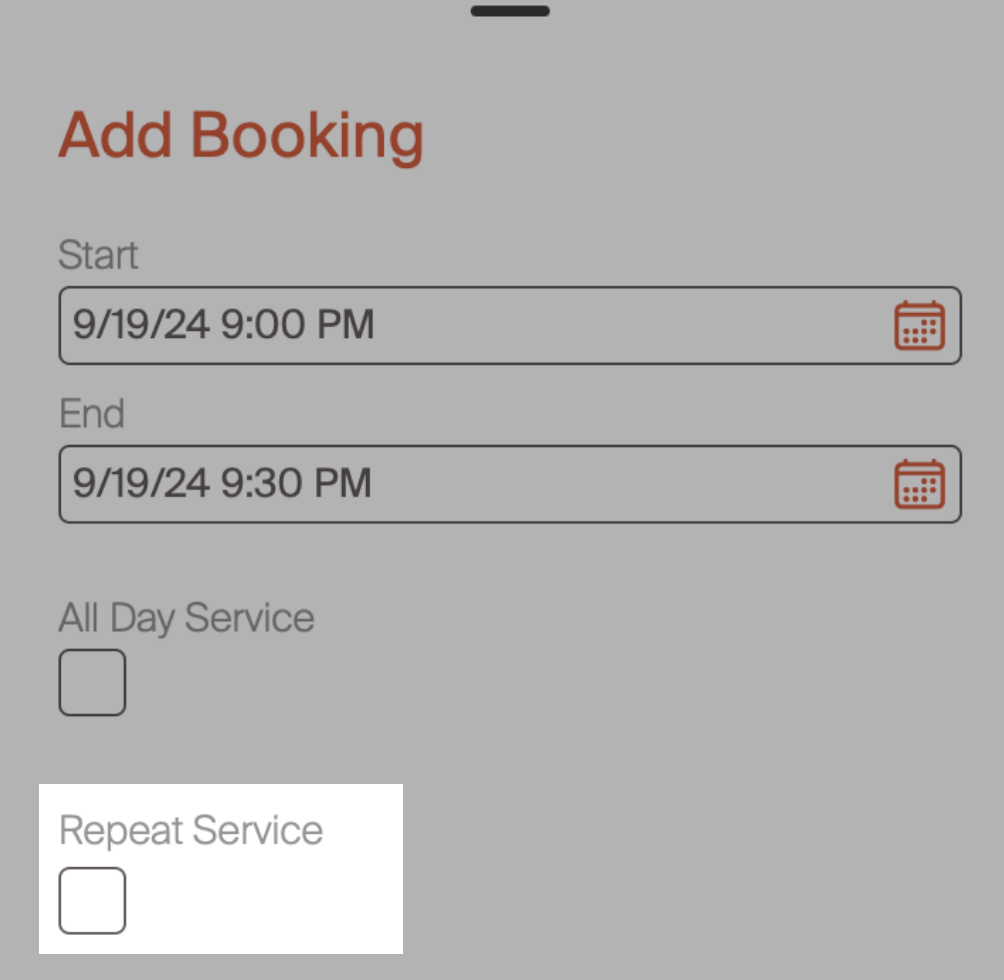
This will bring up the screen below, allowing you to select the days that this appointment is repeating. Additionally, there is a field at the bottom that allows you to select the "end repeat after" date. This is the date that the recurring series will end. In the example below, this service will repeat weekly on Wednesday and Friday, ending on 9/19/25.
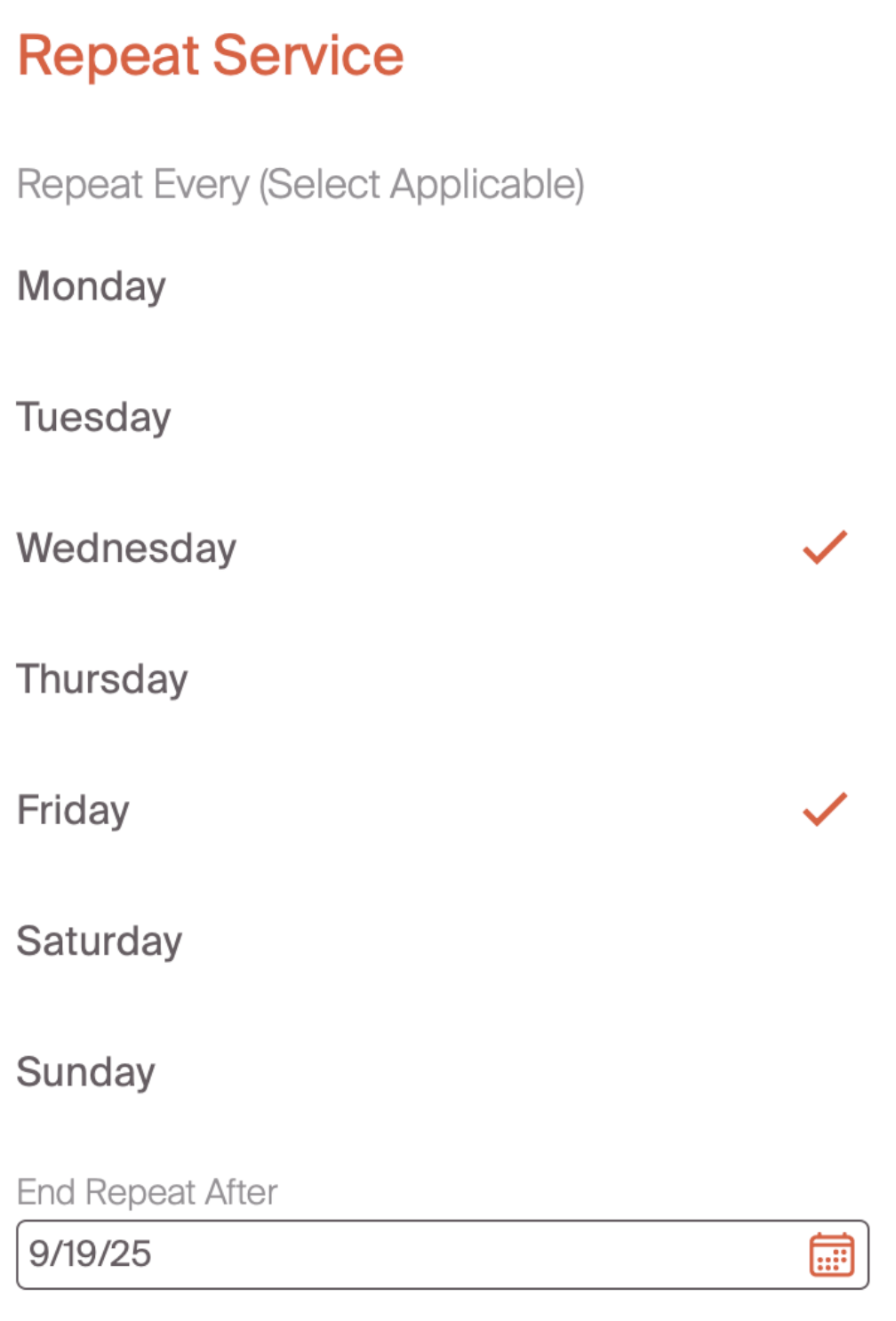
Currently, there is only an option to create weekly recurring services. The Critter team is exploring additional functionality (monthly, bi-weekly) in this area. If this is an area of interest, we'd love to learn more! Please don't hesitate to reach out with additional feedback on this capability
One area that helps professionals streamline the booking process is by using the request to book feature. This allows for customers to submit booking requests for professionals to review, and is the next step in the process.