4.3 Adding different charges (taxes, add-ons, discounts) to an invoice
Different charges is the primary focus area for flexibility. Additional charges is an area that allows for various input approaches. Professionals that choose not to link bookings can create an invoice in totality using the additional charges section. Additionally, this can be used to add charges that may have not been included in the initial booking.
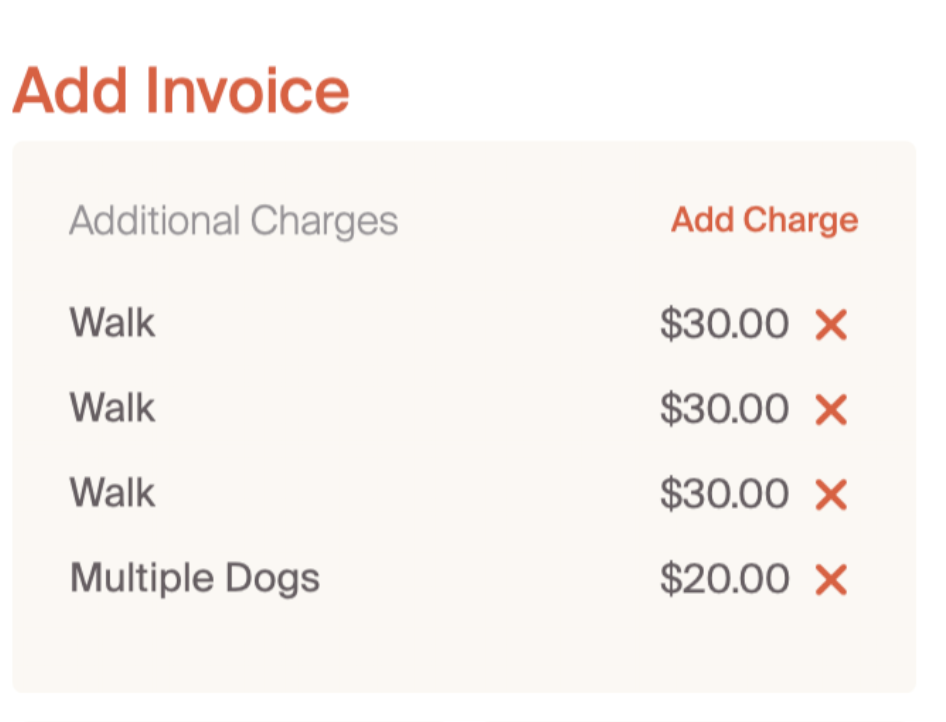
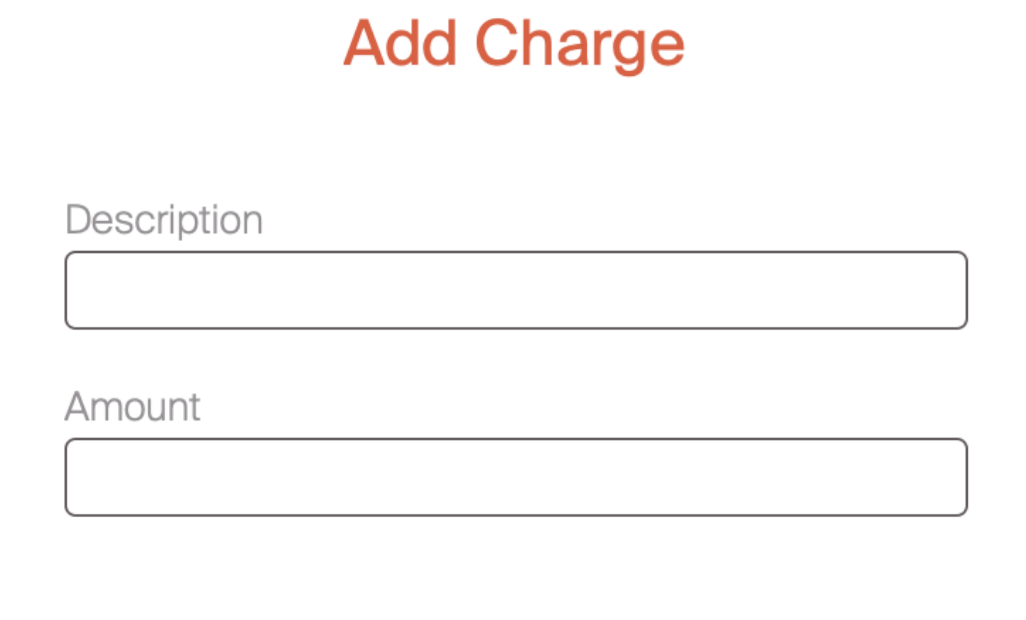
Additional charges are added by selecting the "add charge" in the upper right hand corner. This will bring up two fields, one for a text description and one for a dollar amount.
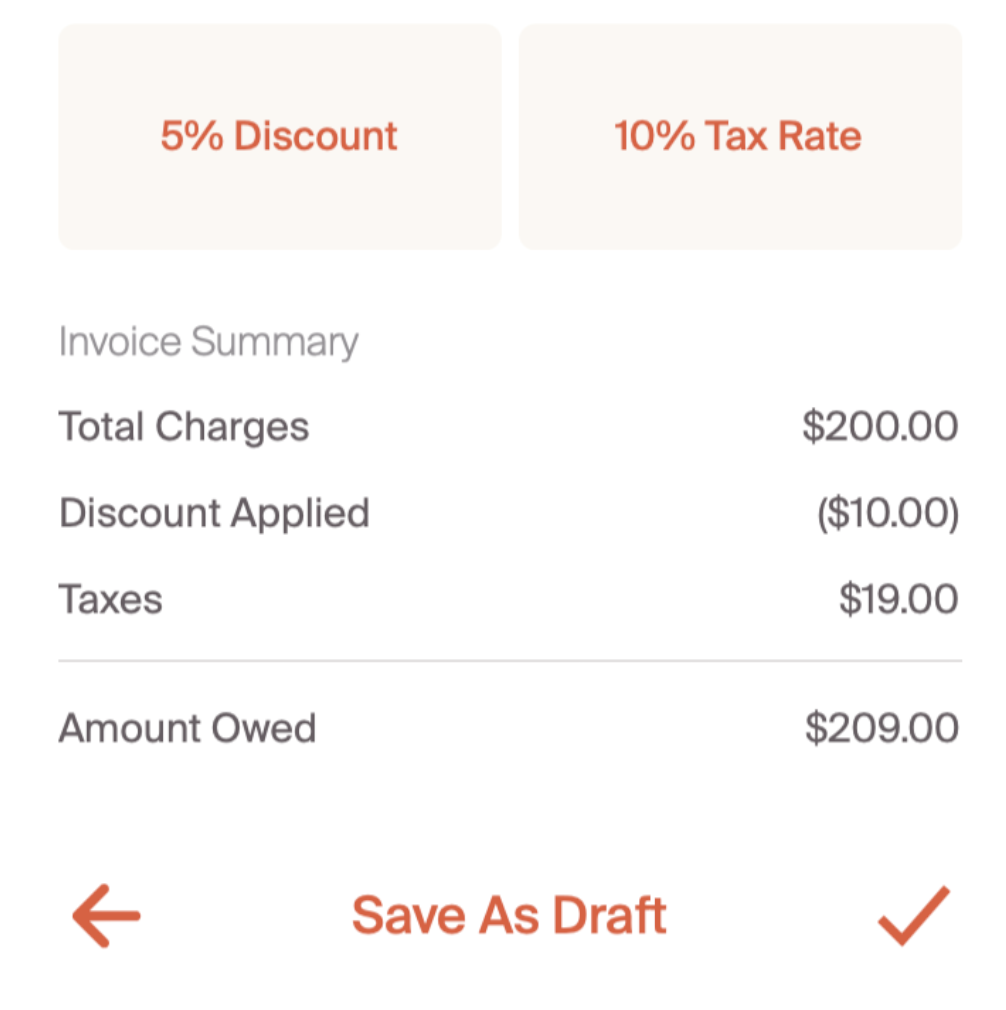
The Discount and Tax Rate buttons allow for percent based adjustments to the final invoice. These are calculated in the below field to create a final dollar amount. If a percentage is added, it will appear on under the relevant field as show in the screenshot below.
Now that we know how to create an invoice, let's explore accepting payments.